
Your website is one of your most valuable digital assets but building it is only the beginning.
Without regular maintenance, even the most beautifully designed website can become slow, insecure, and ineffective over time. Think of your website like a high-performance machine: it needs consistent tuning to keep delivering results.
This monthly website maintenance checklist will help you keep your site running smoothly, securely, and at peak performance.
Why Monthly Website Maintenance Matters
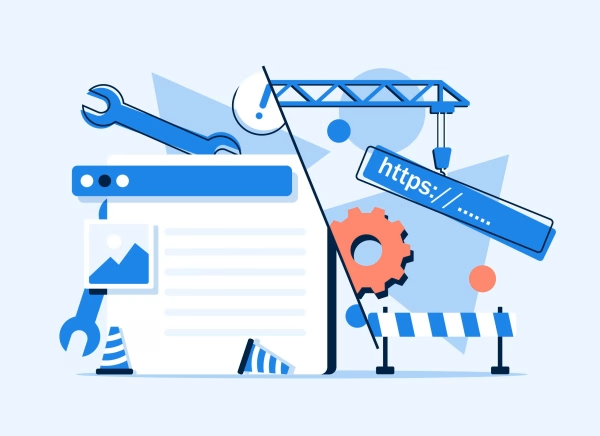
Many businesses invest heavily in launching a website but overlook what happens after it goes live.
Over time:
- Performance can drop
- Security vulnerabilities can appear
- User experience can degrade
- Conversion rates can decline
Regular maintenance ensures your website remains fast, secure, and aligned with your business goals.
Your Monthly Website Maintenance Checklist
1. Monitor Website Speed & Performance
Start by evaluating how fast your website loads.
Use tools like Google PageSpeed Insights or GTmetrix to:
- Identify slow pages
- Detect large images or scripts
- Highlight performance bottlenecks
A fast website improves both user experience and search engine rankings.
2. Update Your CMS, Plugins, and Themes
Outdated systems are one of the biggest risks to your website.
Each month:
- Update your CMS (e.g., WordPress)
- Update plugins and themes
- Remove unused or inactive plugins
This reduces vulnerabilities and keeps everything functioning properly.
3. Perform Full Website Backups
Always have a recovery plan.
Make sure you:
- Backup your website files and database
- Store backups securely (cloud or external storage)
- Test backup restoration occasionally
This ensures you can quickly recover from crashes or cyberattacks.
4. Fix Broken Links
Broken links can quietly damage your credibility.
Check for:
- 404 errors
- Outdated internal links
- External links that no longer work
Fixing these improves user experience and supports your SEO efforts.
5. Review Website Security
Security should never be an afterthought.
Each month:
- Run malware scans
- Check user access and login activity
- Confirm your SSL certificate is active and valid
A secure website builds trust and protects your users’ data.
6. Test Forms and Key User Journeys
Your website should work flawlessly for visitors.
Test:
- Contact forms
- Sign-up forms
- Checkout processes (if applicable)
Ensure submissions are received and notifications are working. A small issue here can mean lost leads or revenue.
7. Refresh Content and Optimize SEO
Content should evolve with your business.
Take time to:
- Update outdated blog posts or pages
- Improve keywords and readability
- Optimize meta titles and descriptions
Fresh content signals relevance to search engines and keeps users engaged.
8. Analyze Website Traffic and Behavior
Use analytics tools to understand what’s working.
Review:
- Most visited pages
- Bounce rates
- Traffic sources
- User behavior patterns
These insights help you make informed improvements.
9. Check Mobile Responsiveness
With most users browsing on mobile devices, responsiveness is critical.
Test your website across:
- Different screen sizes
- Browsers and devices
Fix any layout, spacing, or usability issues.
10. Clean Up Your Database and Media Files
Over time, unnecessary data can slow your website down.
Each month:
- Delete unused images and files
- Clean up your database
- Optimize stored data
A lighter website performs better and loads faster.
Discover more from Wits Technologies Ltd
Subscribe to get the latest posts sent to your email.